Ledger Review 2026
-
 Written by
Rahul Nambiampurath
Written by
Rahul Nambiampurath - Updated 2026-02-06 15:07:32
Ledger is the world leader in Digital Asset security for consumers and enterprises. Ledger offers connected devices and platforms, with more than 8M devices sold to consumers in 180 countries and 10+ languages, 100+ financial institutions and commercial brands. Over 20% of the world’s crypto assets are secured by Ledger.
Table of content
What Is Ledger Wallet?
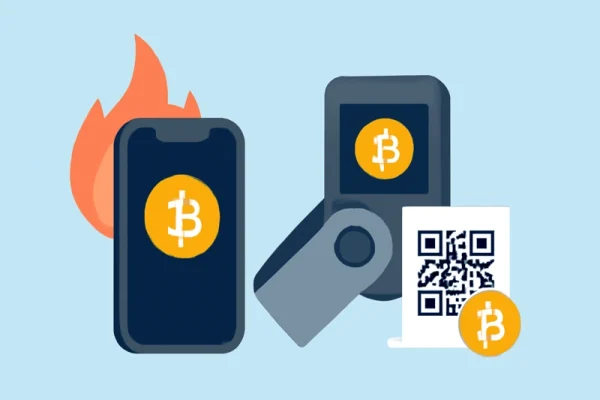
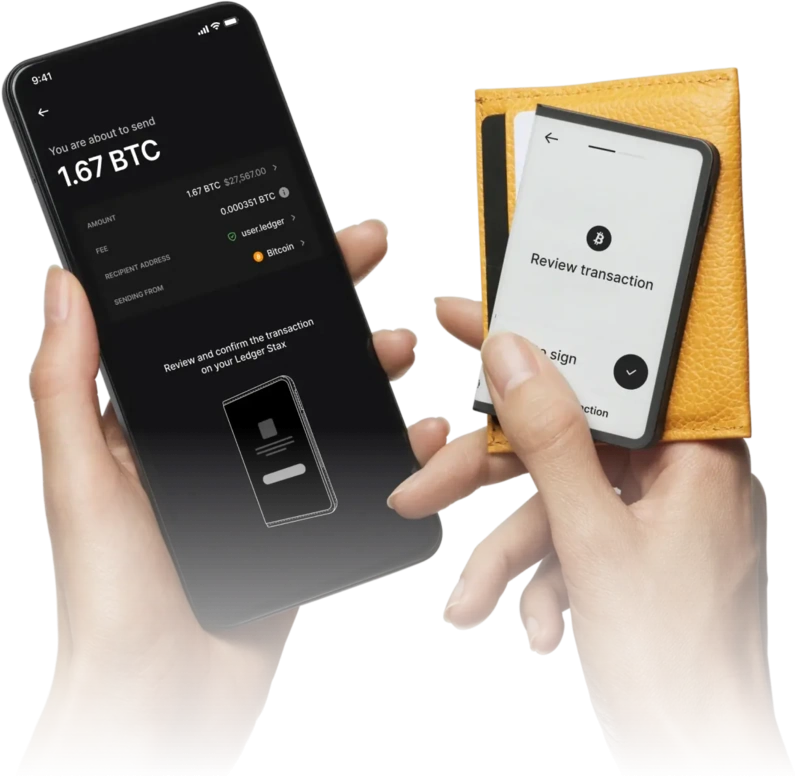
Ledger wallets are cold storage hardware devices that generate and store private keys offline, protecting your crypto assets from online hacks. They connect to your desktop or smartphone via USB-C, Bluetooth, or NFC depending on the model. Transactions are signed directly on the device, enhancing security.
Ledger has moved beyond its 2020 data breach and is now rated among the best Web3 wallets, competing with brands like Trezor and Tangem.
In the high-stakes world of cryptocurrency, where transactions are irreversible, security isn't just a feature – it's the bedrock of trust. Ledger empowers you to navigate this landscape with confidence, providing the most robust defense against evolving threats and granting you true ownership and control over your digital assets. Security-first philosophy is the driving force behind every Ledger product.
Ledger Wallet Models
Ledger offers four main wallet models:
- Ledger Nano S Plus – most popular & affordable wallet
- Ledger Nano X – Features Bluetooth connectivity for mobile users.
- Ledger Flex – Includes a touchscreen and NFC connectivity.
- Ledger Stax – The premium model.
Key Features and Security
Ledger devices are unique in using the Secure Element to directly control the screen. This design ensures that the transaction details displayed are 100% accurate, tamper-proof, and cannot be manipulated by compromised host devices. This “What You See Is What You Sign” principle is fundamental to Ledger's security, providing an unparalleled level of trust and verification.
All other hardware wallets use either a separate microcontroller (MCU) to drive the screen, the same you find in your toaster or your remote control for example, or no screens at all. While better than no screen at all, those using a separate microcontroller design introduces a vulnerability if the MCU is compromised. A hacker can manipulate the screen to display altered transaction details, tricking you into signing a malicious transaction. For hardware wallets with no screens, they rely entirely on the screen of your computer or smartphone to display transaction information
The Ledger Donjon security team: proactive security guardians
Ledger's in-house security team, Le Donjon, is composed of world-class security researchers and experts with extensive experience in cryptography, software, and hardware security.
Established in 2018, Donjon operates as a team of “white-hat hackers,” proactively identifying and mitigating potential vulnerabilities not only in Ledger products but also across the broader crypto ecosystem.
Donjon's expertise and proactive approach are demonstrated by their discovery of critical vulnerabilities in other wallets (e.g., Trezor, Trust Wallet), highlighting the superiority of Ledger's robust security model.
Ledger Recover Service, App, and Supported Assets
Ledger offers an optional subscription-based Ledger Recover service that securely backs up your private keys by splitting them into encrypted fragments stored across multiple secure servers. This multi-layered approach prevents any single point of failure and protects against data breaches.
Ledger devices support the widest array of cryptocurrencies and tokens, including Bitcoin, Ethereum, and NFTs, all secured by our industry-leading architecture. You can even securely manage your NFTs within the Ledger ecosystem.
Ledger's Clear Signing initiative elevates security by translating complex transaction data into human-readable information displayed on the Secure Screen. This empowers you with complete clarity and granular control over every transaction you authorize.
Without Clear Signing and a Secure Screen, users are effectively “blind signing,” relying on potentially compromised host devices to display critical transaction information. This inherently risky practice has fueled countless scams and resulted in substantial financial losses. Ledger's approach aims to eliminate this vulnerability.
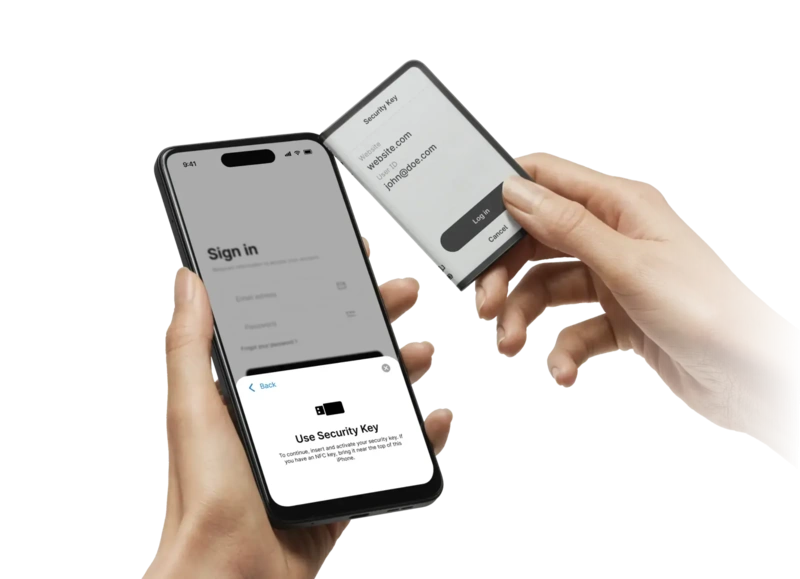
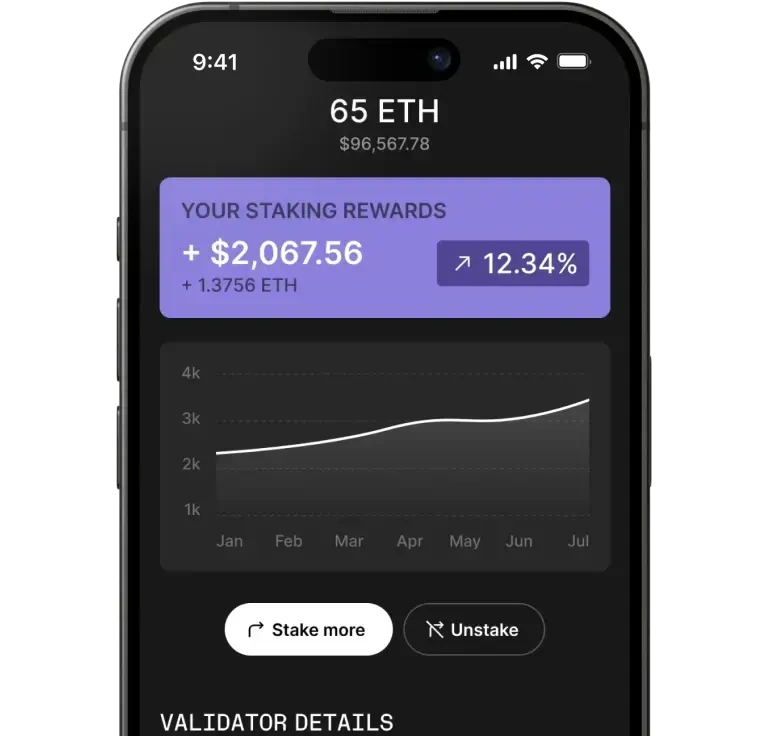
The Ledger Live app, available on both desktop (Windows, macOS, Linux) and mobile devices (iOS and Android), lets you securely buy, sell, swap, and stake supported cryptocurrencies. It also integrates with trusted third-party wallets such as MetaMask and Electrum, expanding access to more blockchains, decentralized apps, and DeFi platforms.
Users should always connect only with reputable third-party wallets to maintain security.
Ledger hardware wallets support over 5,500 coins and tokens, including Bitcoin, Ethereum, Solana, Ripple, Dogecoin, and more. They also offer native support for Ethereum-based NFTs, allowing you to securely view, send, and receive your NFT collections directly from the wallet.
Third-Party Wallet App Integrations
Besides the Ledger Live app, you can use many third-party wallet apps with your Ledger device to manage your cryptocurrencies. Ledger supports installing up to 100 apps on its hardware wallets, allowing you to connect with a wider range of blockchains, decentralized applications (dApps), and DeFi platforms.
Some cryptocurrencies only work with specific wallet apps, so using third-party apps like MetaMask or NEON can expand your options. These apps also offer extra features, such as advanced fee settings, which may not be available in Ledger Live.
While your private keys remain protected offline on your Ledger device, using trusted third-party wallet apps to keep your assets secure is important.
Pricing Overview
- Ledger Stax: $399
- Ledger Flex: $249
- Ledger Nano X: $149
- Ledger Nano S Plus: $79
Advantages & Disadvantages
| Advantages | Disadvantages |
| High-level secure element chips | Closed-source firmware |
| Supports over 5,500 coins and tokens | Batteries cannot be replaced |
| Multiple connectivity options (USB-C, Bluetooth, NFC) | Ledger Recover service subscription cost |
| Native staking available | Some features require third-party apps |
| Secure screen to verify transactions | Recovery service unavailable in some countries |
How to Order and Set Up Your Ledger Wallet
- Go to ledger.com and buy directly from the official site.
- (Optional) Create an account for order tracking and updates.
- Select the Ledger wallet model you want and add it to your cart.
- Enter shipping and payment details, then complete your purchase.
- When the wallet arrives, verify the packaging is sealed and untampered.
- Download the Ledger Live app on your desktop or mobile.
- Connect your Ledger device via USB-C, Bluetooth, or NFC.
- Follow the setup prompts to create your PIN and back up your recovery phrase.
- Add your cryptocurrency accounts in Ledger Live and start managing your assets.
Conclusion
Ledger wallets provide strong security, broad crypto support, and versatile features, making them a reliable choice in 2026. Whether you’re a beginner or a seasoned trader, Ledger has a product to fit your needs. With native NFT support and innovative features like wireless charging and customizable displays, Ledger stands out as a top contender in hardware wallet solutions.
Ledger empowers you to take absolute control of your financial future with the most secure, transparent, and user-friendly solution available. Choose Ledger for unparalleled protection against evolving threats, ensuring your crypto remains yours, and yours alone.
If you want to safely store your cryptocurrencies and NFTs with a trusted hardware wallet, Ledger is a smart pick for 2026.
FAQs about Ledger Review 2026
Are Ledger wallets safe to use?
Yes, Ledger wallets use advanced secure element chips and offline cold storage to protect your private keys from hacks and unauthorized access.
What happens if I lose my Ledger device?
You can recover your wallet and funds using your 24-word recovery phrase or the optional Ledger Recover service if you have subscribed.
Can Ledger wallets store NFTs?
Yes, Ledger supports Ethereum-based NFTs natively, allowing you to view and manage your NFT collections securely.
Is Ledger compatible with mobile devices?
Yes, Ledger Live is available on iOS and Android, and Ledger devices connect via USB-C, Bluetooth, or NFC, depending on the model.
How many cryptocurrencies can Ledger support?
Ledger supports over 5,500 coins and tokens across multiple blockchains, including Bitcoin, Ethereum, Solana, etc.
What should I do if I receive a Ledger device that appears tampered with?
Do not use the device. Contact Ledger support immediately and report the issue to secure your funds.